How to share access to your server with another user
You can share access to a server on Zampto.net by following these steps:
- Go to dash.zampto.net
- Open the Servers Overview page
- Select the server in question and click Manage Server, or go directly to the Control Panel
- Click the Share button if you are on the Server Info page, or click Users (from the sidebar) if you are in the Control Panel.
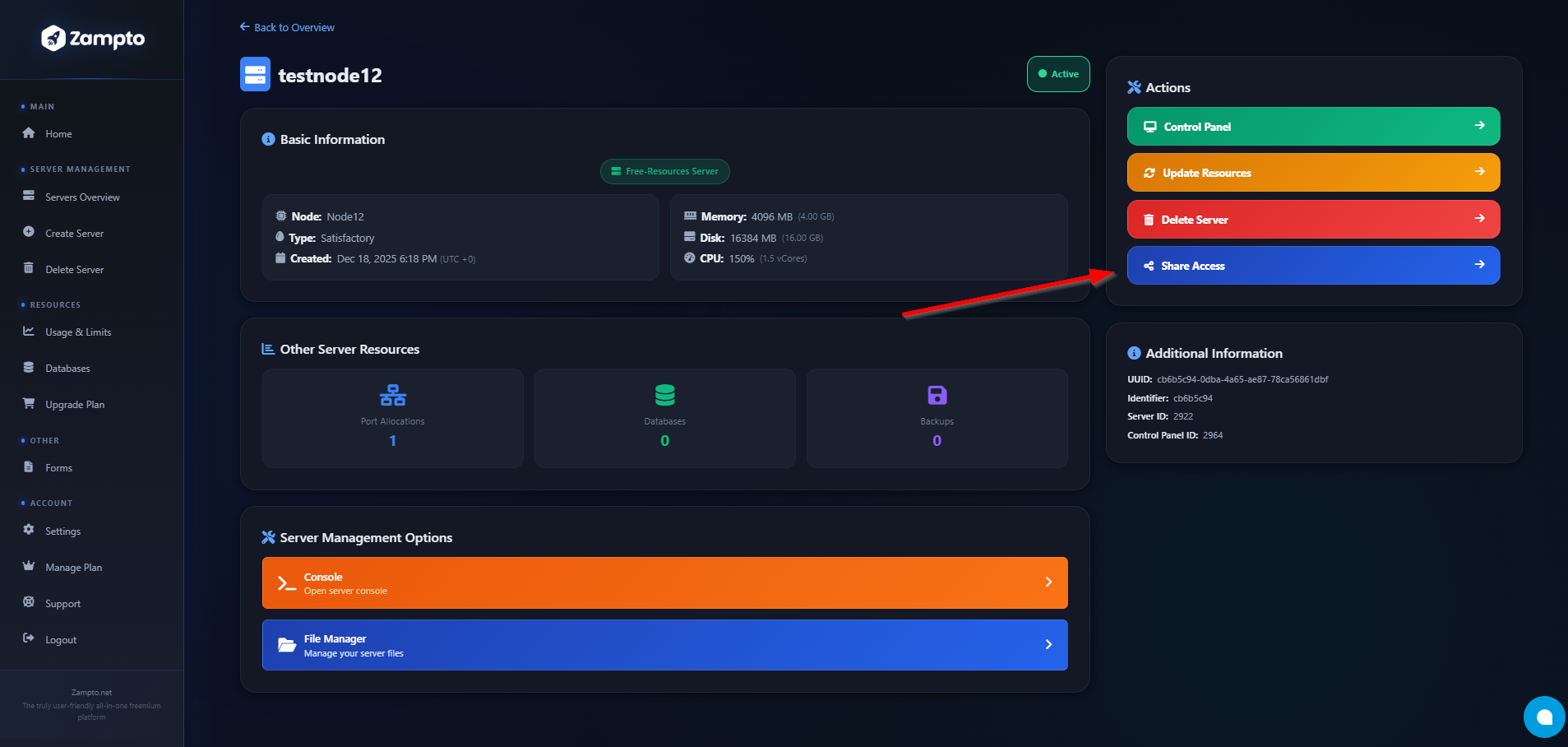
- Enter the account User ID of the user you want to share access with, select the permissions, and you’re done!
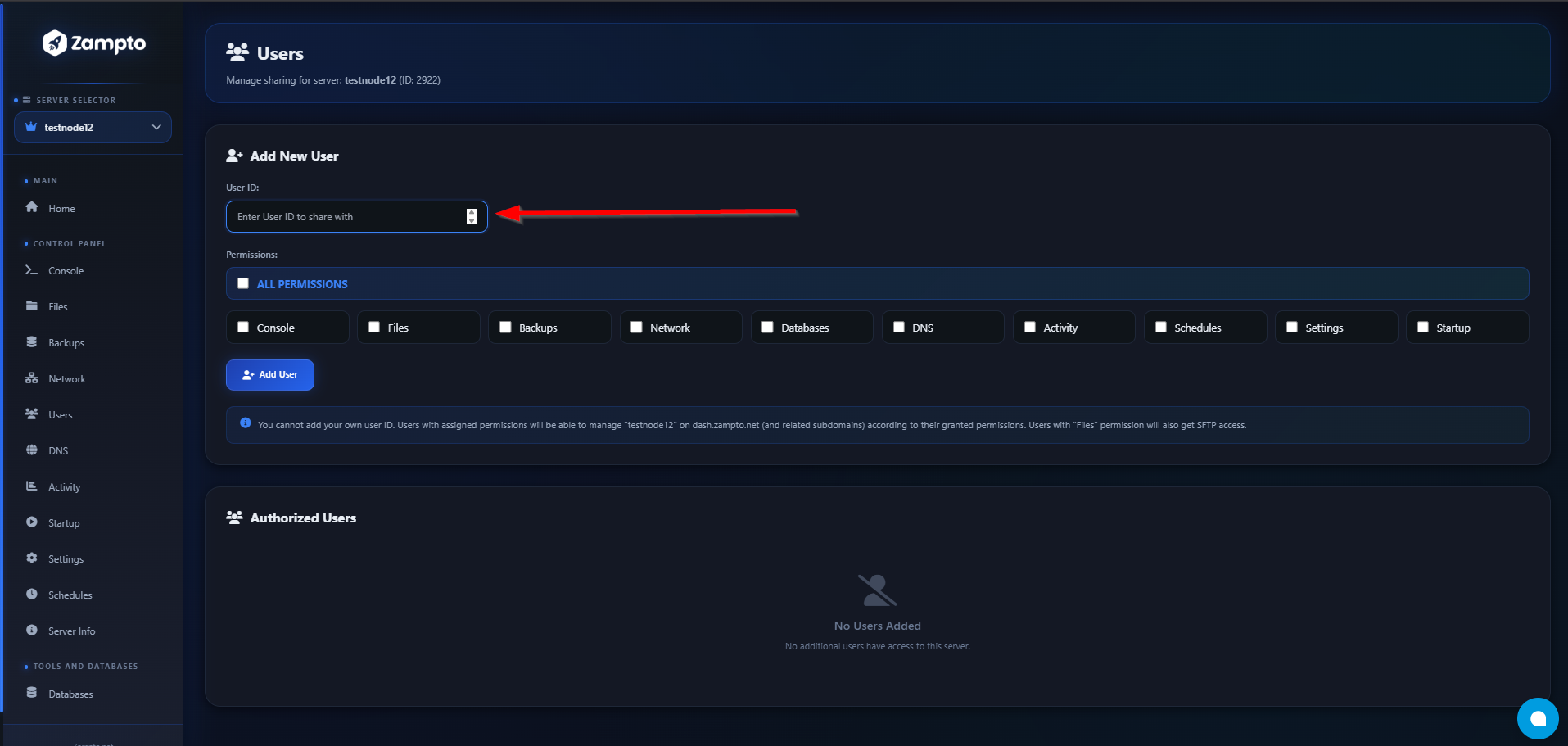
- Perfect! The user you shared the server with can now start accessing it, and it will also appear in their Servers Overview page.